
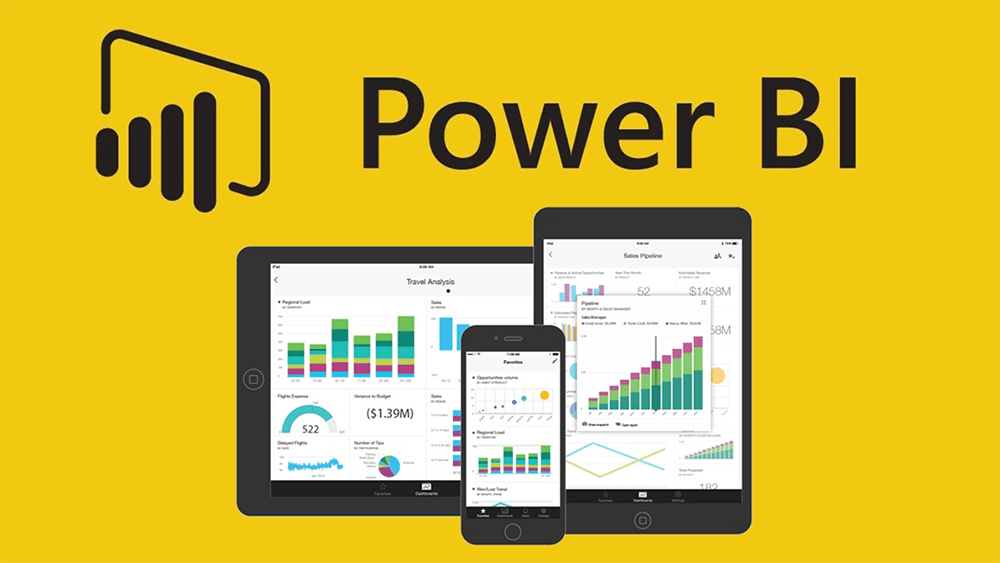
In today’s data-driven world, the ability to analyze, visualize, and act on information has become crucial for businesses of all sizes. Microsoft’s Power BI transforms the data analytics landscape, offering powerful yet user-friendly capabilities to turn data into actionable insights. Whether you’re a seasoned data analyst or a business manager with limited tech experience, Power BI can help illuminate your data’s story.
Power BI is a powerful business intelligence tool that helps organizations to gain insights into their data. With its ability to create stunning visualizations, it’s no wonder that it’s become a popular tool among businesses. However, creating the perfect visualization requires more than dragging and dropping data points onto a canvas. It also requires a good understanding of design principles, data analysis techniques, and performance optimization strategies.
Power BI is a business analytics service provided by Microsoft. It will allow you users to connect to various data sources, transform and visualize that data, and share insights across their organization or embed them in an app or website. What sets Power BI apart is its ability to enable users, regardless of their technical expertise, to create and share insightful visual reports and dashboards.
Key Features of Power BI:
- Power BI can connect to many data sources, including Excel spreadsheets, cloud-based and on-premises databases, and big data.
- It offers real-time dashboard updates, enabling businesses to have up-to-the-minute insights at their fingertips.
- The tool provides a rich, customizable dashboard experience, including a library of visualizations and the ability to create custom visuals.
- Integrated with Microsoft 365, it allows easy sharing and collaboration on reports and dashboards.
Benefits of Power BI for Businesses:
- By transforming data into meaningful insights, Power BI aids in making data-driven decisions.
- Its intuitive interface and drag-and-drop functionality make reporting faster and more efficient.
- Suitable for both small businesses and large enterprises, Power BI can scale up to meet growing data needs.
- Power BI offers a competitive pricing model, making it accessible for businesses on a budget.
To start with Power BI, visit the official Microsoft Power BI website and sign up. Microsoft offers free and paid versions, providing additional storage and collaboration features. There are numerous online resources and communities to help you on your Power BI journey.
Power BI is more than just a data visualization tool; it’s a comprehensive analytics solution that can transform your business. By leveraging its capabilities, companies can make more informed decisions, identify new opportunities, and stay ahead in the competitive business world.
Are you ready to dive into the world of data analytics with Power BI? Share your thoughts or questions in the comments below, and let’s embark on this data-driven journey together.
#MMBA5 #LBS #PAU




 A personal business experience: tips for running a business in Nigeria.